Set match hidden in APP
Superior. Whatever match can be set as hidden in public view in APP. Still, club admins and those with higher creds can see these matches. Typical use of "set hidden" is if a match shall move or the…

Updated
by Ole Kristian Engvoll
Superior
Whatever match can be set as hidden in public view in APP. Still, club admins and those with higher creds can see these matches. Typical use of "set hidden" is if a match shall move or the match is somehow wrong.
NOTE: If "Split matches" is used, hidden will not work as described here.
How to set "hidden"
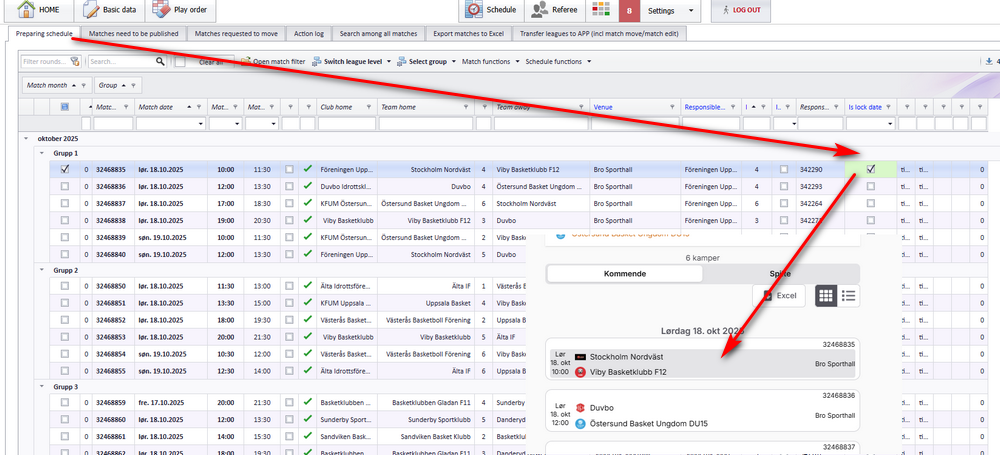
Enter menu "Schedule" - "Prepare schedule". Check on column "Is hidden".
- Matches set as "Hidden" will not be visible in APP in no circumstanses.
- Matches will show up as "Hidden" in PL and can only be set to "Show" in PL.
- In PL, when check on/off "Hidden", APP will be updated without need for publishing.
- NOTE: Matches with club match edit set in the future can NOT be changed from "Hidden" to "Show".
How did we do?
Club match edit - Playoff match
Publish matches to FX (rare)